

How Storage Shows Up in Daily Operations
Hybrid offices run on movement. Someone books a desk for the day and needs a secure spot for a bag or laptop without claiming the same compartment forever. Fixed lockers leave empty spaces on quiet days while others overflow. Dynamic access lets people claim and release a spot through their phone or a quick scan, then the system opens it for the next user.
Schools deal with devices, books, and sports gear that students carry in and out. A teacher needs to grab shared supplies without tracking down a key that walked off with someone else. When access happens in seconds through a card or code, the line at the admin desk shrinks and class time stays protected.
Factories and larger sites track tools, PPE, and equipment that cost real money when they disappear. A dashboard that logs who took what and when cuts down on arguments and helps schedule maintenance. Government offices and hospitals add rules around controlled items, where audit trails and restricted access protect sensitive materials without slowing legitimate work.
Gyms and visitor areas sometimes run on temporary use. A person pays for a session, opens a compartment with a generated code, stores their things, and the system handles the billing. The same cabinets serve short-term needs without creating permanent key chains.
Problems That Keep Repeating on Site
Key management eats hours that add up across a month. Someone loses a key or forgets a combination. An admin cuts replacements or resets locks while a line forms. In places where the same compartments serve different people on different days, the old system creates bottlenecks that slow everyone down.
Lost items turn into small daily dramas. A student cannot find a tablet they stored earlier. A worker spends the morning looking for a tool they signed out yesterday. Without clear logs, nobody knows who had it last, which leads to replacement buys and finger-pointing.
Hygiene questions surface fast in shared rows. Dozens of hands touch the same latch. In schools or gyms with heavy traffic, surfaces get wiped yet still prompt comments. Contactless entry reduces shared touch points and makes routine cleaning simpler.
Fixed assignments waste space and create friction. In an office where only part of the team shows up, rows of empty lockers sit while others stay overcrowded. Dynamic use solves the space problem only if claiming and releasing a compartment feels simple for regular users.
Security gaps show when authentication stays weak. A shared PIN or easy-to-copy card works until someone shares it or loses it. Higher-value items or controlled areas need stronger checks that still move quickly for people who belong there.
Admin workload stays heavy when every change requires manual updates. Adding a new person, removing access for someone who left, or setting temporary codes turns into ongoing busywork. A backend that handles these tasks automatically frees staff for other priorities.
What Actually Matters When Choosing
Access method reliability sits at the top. Palm vein and facial systems with live detection deliver high accuracy without cards or keys that disappear or get passed around. The 99.99 percent match rate and anti-spoofing check matter in settings where someone might test the limits. Fingerprint gives another solid path for teams that prefer it.
Dashboard quality decides how much time the system saves in practice. A clear view of real-time status, usage reports, temporary access, and billing keeps admins from spending mornings on spreadsheets. Clean integration with existing sign-on or HR tools reduces duplicate entry.
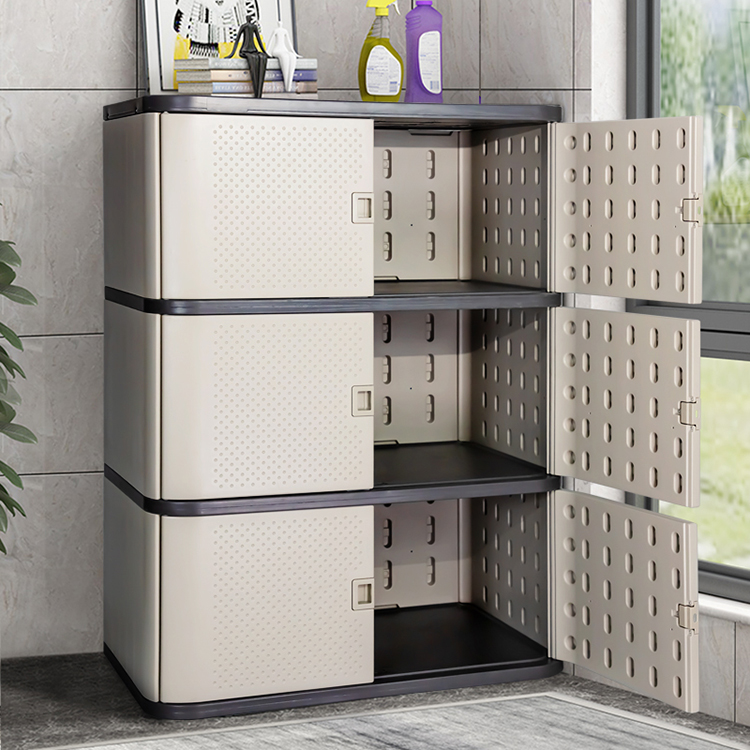
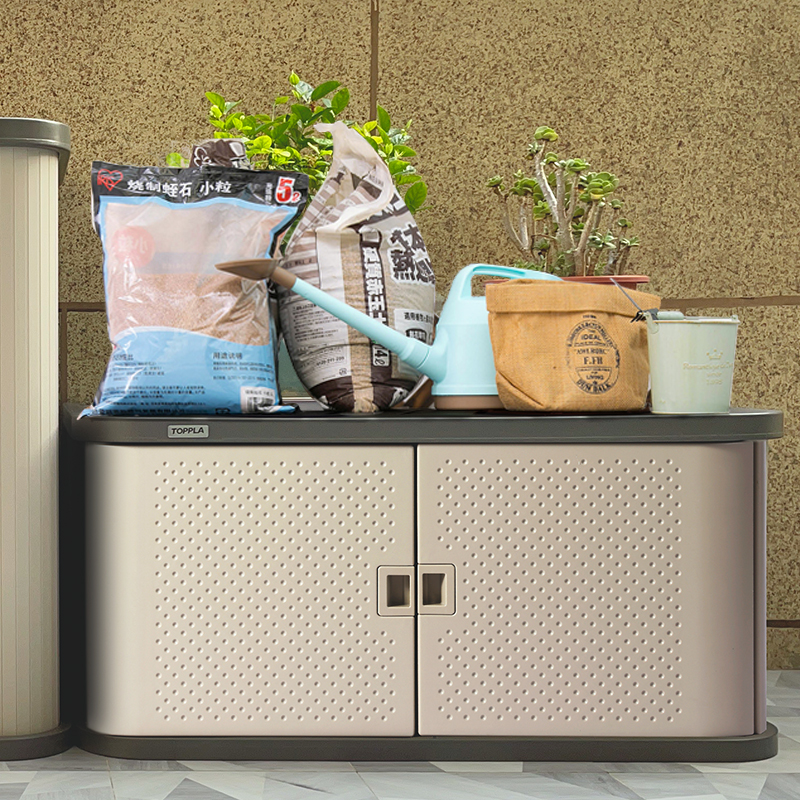
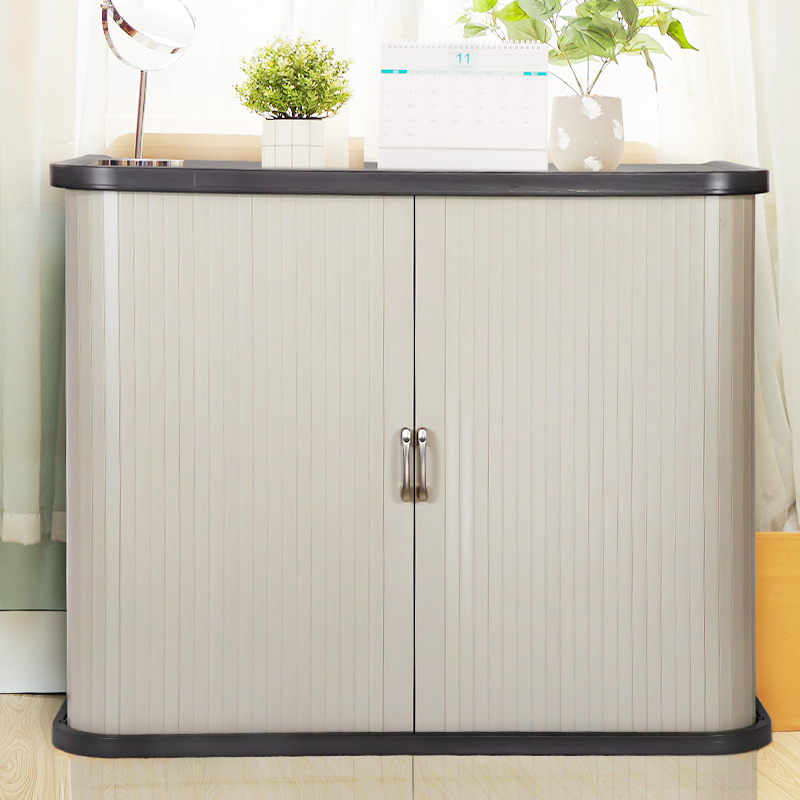
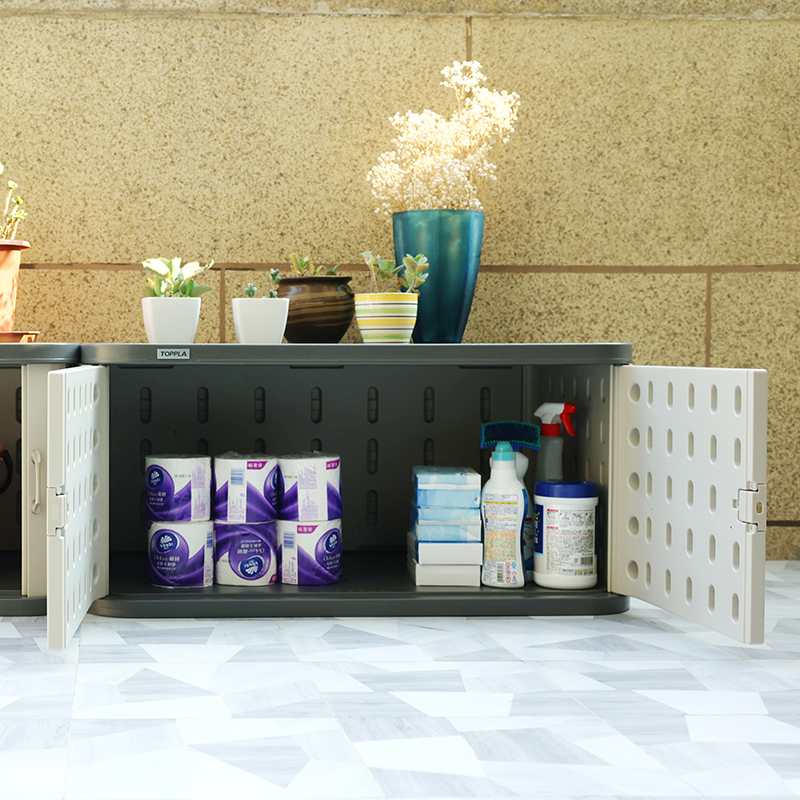
The cabinet construction determines long-term durability. Plastic locker cabinets made from HDPE or similar plastics stay free of rust in humid or occasionally wet areas. They take impacts from bags and equipment without permanent dents and wipe clean with everyday products. That resilience protects the investment in the electronics mounted on the doors.
Scalability and modularity shape how the system grows. Banks of compartments can start with current headcount and add columns or tiers later without tearing everything out. Modular designs from plastic locker manufacturers make delivery and assembly practical even in buildings with tight access.
Power and network needs deserve attention early. Units with screens or electronics require reliable power and usually a connection for the backend. Some setups add simple backup so a short outage does not lock users out. The plastic locker cabinet itself needs no power, which keeps the overall install simpler than all-metal alternatives in many cases.
Support and parts availability affect real uptime. Electronic modules last years with normal use, yet screens and readers eventually need attention. A supplier who stocks common replacements and offers remote help keeps downtime short when something does require service.
Return on investment shows up in reduced admin hours, fewer lost items, and lower replacement spending. Teams that track these numbers before and after usually see the system pay for itself within a couple of years, especially where manual key processes previously consumed significant staff time.
Model Details and Layouts That Match Real Use
Current options give clear choices. The MZ10 palm vein model includes a 10.1-inch capacitive touch screen at 1280 by 800 resolution and supports fingerprint as well. It fits higher-traffic or higher-security spots where users want fast biometric entry without carrying extra items.
The ZY4.3 card version uses a 4.3-inch high-definition screen and works cleanly in government offices, enterprises, factories, and schools where ID cards already exist. Card access feels familiar and needs almost no training.
The ZY8 series handles facial recognition or card swiping with binocular live detection that blocks photo and video attempts. Accuracy reaches 99.99 percent on one-to-one matches. The same platform supports scan-code temporary opening and backend billing for single-use or timed sessions, often through a WeChat service account that many users already carry.
Cabinet specs follow established plastic locker standards. Side panels around 22 mm thick and door panels 30 mm or thicker keep the structure rigid under load. Depths near 500 mm fit bags, devices, or small tools. Heights per compartment around 920–930 mm work for single-tier or two-high stacked rows. Multiple columns side by side create banks sized to actual numbers rather than generic assumptions.
Typical layouts start with usage data. An office with 80 hybrid workers might need 40–50 dynamic compartments if peak overlap stays around 60 percent. A school with 300 students plus staff might plan separate zones for device storage and personal items. Factories often combine a core of assigned tool lockers with a flexible bank for visitors or contractors.
Power planning includes outlets or hardwired feeds for screen units and network drops or wireless options for backend communication. Some installs add basic UPS so short power dips do not interrupt access during busy periods. Plastic locker cabinets themselves need no special power, which simplifies the overall footprint.
Color and finish choices help with wayfinding. Bright or contrasting doors make zones obvious at a glance. Because color runs through the plastic material, it stays consistent even after years of cleaning and minor wear.
Mistakes That Turn Projects Costly
Picking the most advanced biometric option without testing real adoption creates friction. Some groups move faster with a simple card or phone scan because it feels familiar. A small pilot with the actual users reveals preferences before a full rollout locks in the wrong choice.
Focusing only on the electronics while overlooking cabinet material backfires in tough environments. Metal cabinets rust in humid factories or coastal sites. Plastic locker cabinets made from HDPE stay intact and clean easily, which protects the smart components mounted on them over time.
Skipping training and change management leaves systems underused. Even intuitive screens benefit from a short rollout that shows people how to reserve, open, and release a compartment. When adoption stays low, the expected admin time savings never appear.
Treating the backend as an afterthought leads to fragmented data. If the dashboard does not connect cleanly with existing HR or access systems, staff end up maintaining parallel lists. That duplication cancels much of the efficiency gain.
Choosing based only on upfront price while ignoring support and parts availability creates expensive surprises later. Electronic modules and screens have finite lifespans. A supplier who ships common replacements quickly and offers clear warranty terms protects the long-term value of the whole installation.
Common Questions About These Systems
How does a Smart Locker differ from a standard plastic locker cabinet? It adds electronic authentication and a management backend. Users open compartments with biometrics, cards, or scans instead of keys. Admins track usage, set temporary access, and run reports from one place. The underlying plastic locker cabinet still delivers the rust resistance, impact strength, and easy cleaning that plastic locker manufacturers have built into these products for years.
Which access method suits schools or offices with high turnover? Card or QR scan options often work best because they feel familiar and require almost no training. Facial recognition with live detection adds speed and security when the user base stays relatively stable. Palm vein fits environments that want contactless high-accuracy entry without any carried item.
Do these need constant power or internet? Most units need power for screens and electronics. Network connectivity enables full backend features like remote management and reporting. Many installations include backup power for short outages. The plastic locker cabinet itself has no power requirement, so the overall system stays simpler than all-metal smart alternatives in some settings.
How much maintenance do the electronic parts need? Screens and authentication modules last for years with normal use. Occasional cleaning of touch surfaces and periodic connection checks keep everything reliable. Suppliers who stock common parts and offer remote diagnostics keep downtime short when something does need attention.
Can the layout expand later if numbers change? Modular column and tier designs make growth straightforward. Adding matching sections keeps the look and function consistent. Because the cabinet construction comes from established plastic locker lines, new pieces integrate cleanly with existing banks.
Bringing It Back to Practical Results
Smart Lockers deliver the biggest gains when access technology matches how people actually work and the plastic locker cabinet holds up under real traffic. Offices gain flexible shared storage that supports hybrid schedules without wasted space. Schools reduce device loss and speed up daily handoffs. Factories track tools and PPE with less admin effort. The mix of reliable biometrics or scan options, a clear management dashboard, and a durable HDPE Plastic Locker base creates systems that stay useful instead of becoming another daily hassle.
Teams that start with a small pilot, involve the people who will use it every day, and plan power and network needs early usually see smoother rollouts and faster returns. Storage then works with the flow of the building rather than against it.